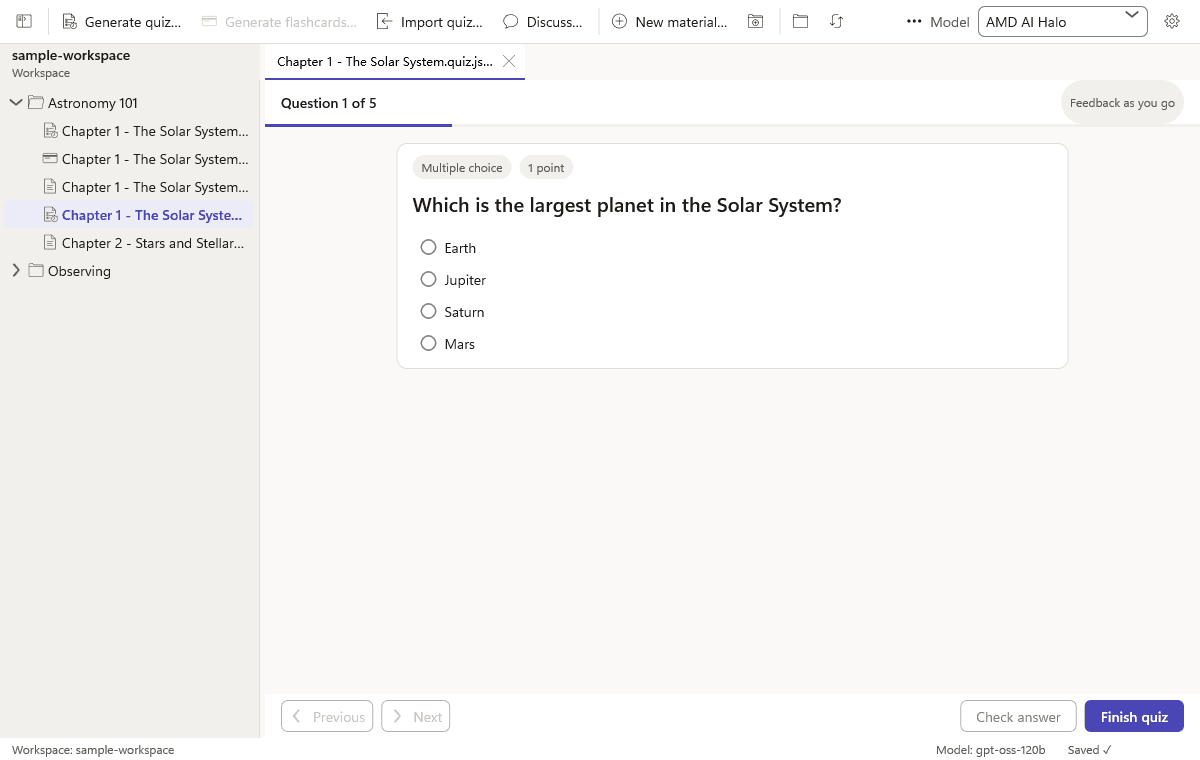
Take a quiz
Multiple choice, multiple select, true/false, and short answer. Grade on the machine; short answers can use your model.
The browser app is closed. This is the desktop preview.
NoteQuiz is a Windows desktop app. Open a folder, configure a model you already pay for (or run locally), and generate quizzes and flashcards as files you own.
Free preview · no account · you bring the API key or local model
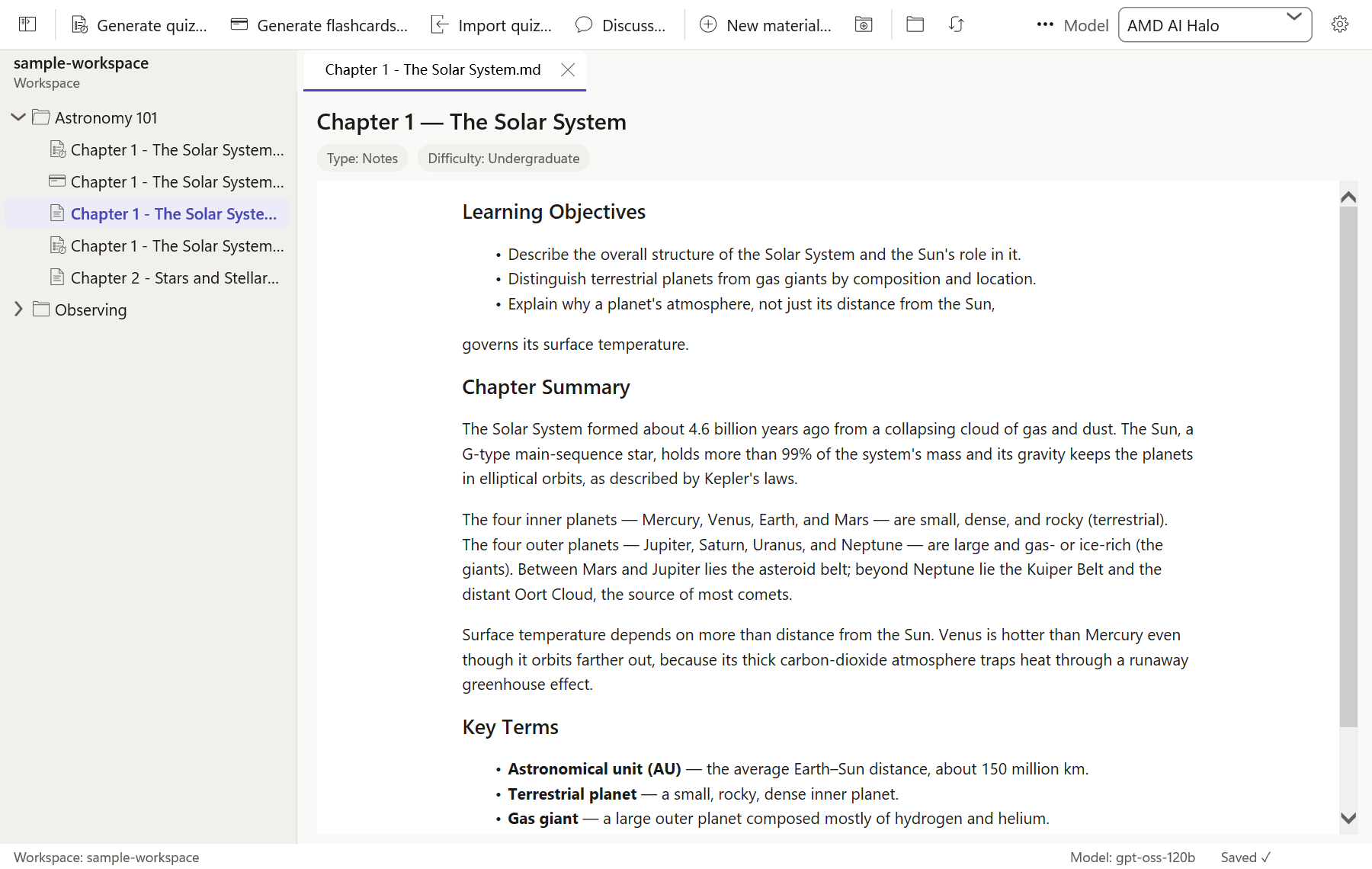
Quizzes, decks, and discussions are ordinary files beside your notes. Nothing is uploaded unless you send it to the model you configured.
Multiple choice, multiple select, true/false, and short answer. Grade on the machine; short answers can use your model.
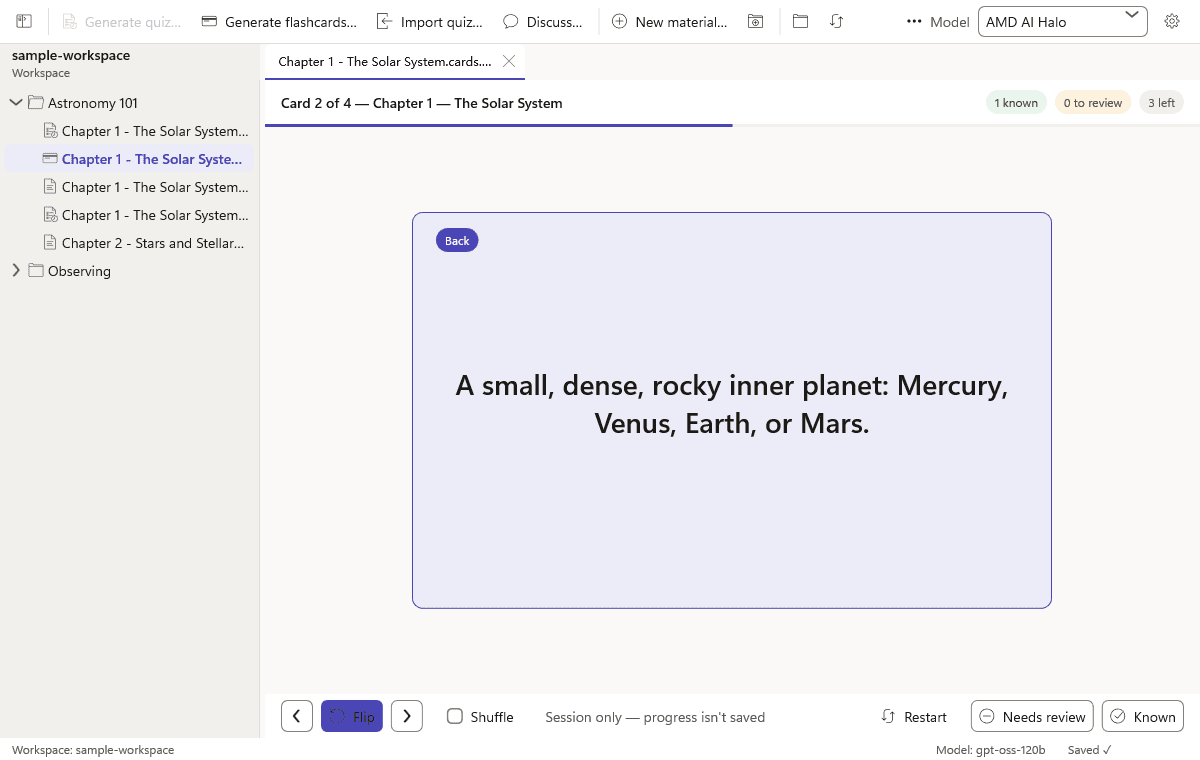
Cards live next to the chapter they came from. Flip, mark known or review, and keep going.
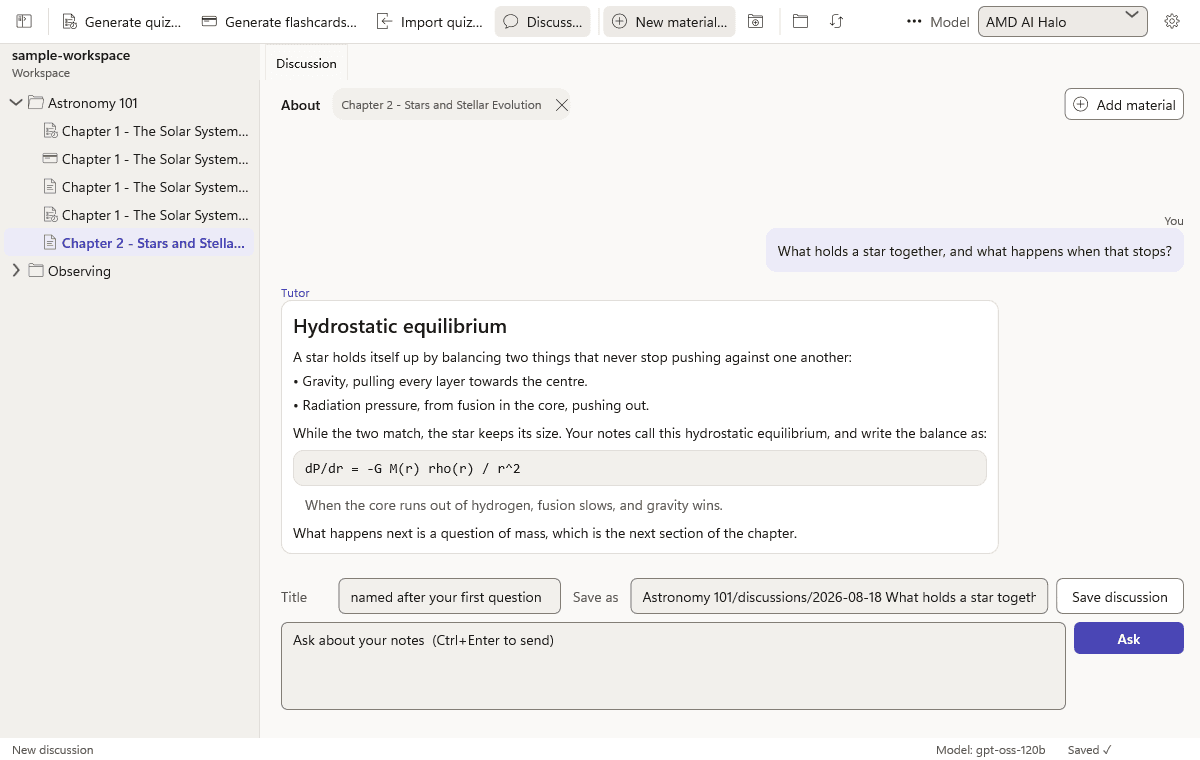
The tutor answers from the notes you opened, not from a cloud library. Save the thread as markdown if you want to keep it.
Courses are folders. Notes, quizzes, decks, and discussions are ordinary files. There is no cloud library and no account.
Generate multiple choice, multiple select, true/false, and short-answer questions. Grade locally; short answers can use your model.
Build a deck from a material, or talk through a passage with the same model you already configured.
Paste an existing quiz and save it as a file next to your notes. No lock-in format beyond markdown.
Point a profile at OpenAI, OpenRouter, or a local runner (Ollama, LM Studio, and later Foundry Local). Your key never leaves the machine except to that endpoint.
The first release is ungated. AI stays unlocked and no trial clock is started. A paid license can come later.
More detail is on the help page.